Best Free Meal Planning App: Complete Guide for Busy Families
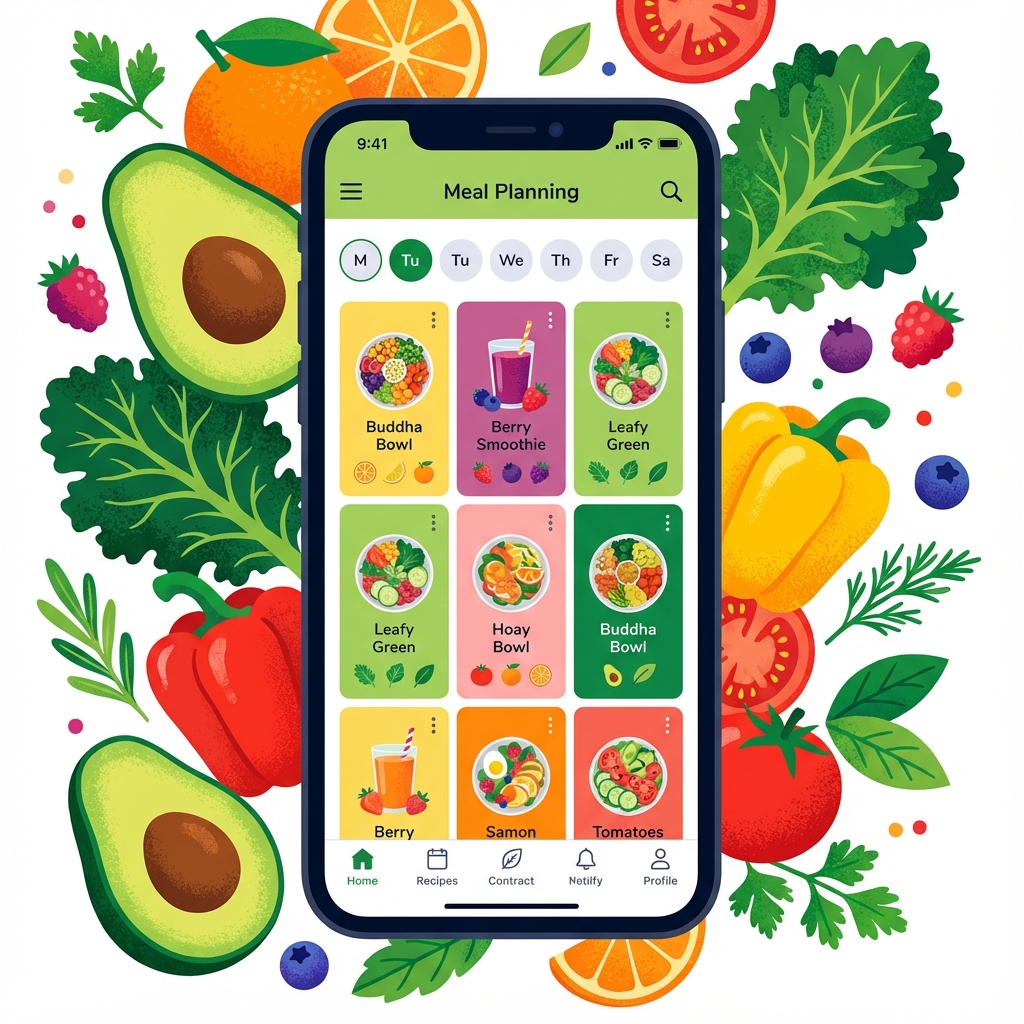
You need a meal planning app. Not because it is trendy. Because meal planning without one is like trying to build furniture without instructions. Technically possible but unnecessarily painful.
The question is which one. There are hundreds of meal planner apps out there. Most cost money. Many are overcomplicated. Some do not even work properly.
What Makes a Good Free Meal Planning App?
Before we dive into specific apps let's talk about what actually matters. Not marketing fluff. Real features that save you time and money.
Must-Have Features
- Visual meal calendar: You need to see your week at a glance
- Pantry tracking: Know what you have before you shop
- Auto-generated shopping lists: From your meal plan to your cart
- Mobile access: Plan at home, shop with your phone
- Actually free: Not a trial. Not limited features. Actually free.
Why Most Meal Planning Apps Fail
Here is the truth. Most meal planning apps are built by people who do not actually meal plan. They add features that sound good but do not work in real life.
Common Problems
Too Many Steps: If it takes ten taps to add a meal you will stop using it. The best meal planner app makes adding meals effortless.
No Pantry Integration: What good is a meal plan if you do not know what you already have? You end up buying duplicates. Wasting money. Defeating the purpose.
Complicated Interfaces: You do not need fifty features. You need five features that work perfectly.
The Free vs Paid Debate
Do you need to pay for a meal planning app? Usually no. The paid features are nice to have but not essential. Recipe databases. Nutrition tracking. Meal suggestions.
What you actually need is free. A calendar. A pantry tracker. A shopping list. That is it.
EpuloWeek keeps all core features free because we believe everyone deserves access to good meal planning tools. No paywalls. No trials. Just free.
How a Meal Planning App Saves Money
Let's do real math. The average family wastes $1500 per year on food. Between expired items, duplicate purchases, and impulse buys.
A good free meal planning app cuts that waste by at least half. That is $750 back in your pocket. Per year. Every year.
How? By helping you:
- Shop your pantry first (no duplicates)
- Plan meals around what you have (less waste)
- Stick to a list (no impulse buys)
- Use food before it expires (pantry tracking)
Check out our guide on how to reduce your grocery bill for more money-saving strategies.
Features That Actually Matter
1. Pantry Inventory Tracking
This is the game changer. A pantry inventory tracker shows you what you have. What is running low. What is about to expire.
You plan meals around your inventory. You only buy what you need. You stop wasting food and money.
Read our complete pantry inventory tracker guide to learn more.
2. Smart Shopping Lists
Your meal planning app should generate shopping lists automatically. From your meal plan. Organized by store section. With quantities.
No more forgetting ingredients. No more wandering the aisles. Get in. Get out. Get home.
3. Meal Calendar View
You need to see your week. Not a list. A visual calendar. Monday dinner. Tuesday lunch. Wednesday breakfast.
This helps you spot problems. Too many complicated meals in one week? Move one. Three pasta nights in a row? Mix it up.
Best for Different Needs
Best for Families
Families need simple. Kids are picky. Schedules are crazy. You do not have time for complicated apps.
Look for apps with quick meal entry, visual calendars, and pantry tracking. EpuloWeek is designed exactly for this.
Best for Budget Conscious
If saving money is your priority you need pantry tracking and shopping list features. Plan meals around what you have. Only buy what you need.
Our $50/week challenge shows you exactly how to do this.
Best for ADHD/Executive Dysfunction
If you struggle with decision fatigue you need a meal planner app that removes decisions. Visual planning. Quick add. Simple interface.
Check out our guide on cooking with ADHD for specific strategies.
How to Actually Use a Meal Planning App
Having the app is not enough. You need a system. Here is what works:
Sunday Planning Session
Spend 15 minutes every Sunday. Check your pantry. See what needs to be used. Plan your week. Generate your shopping list.
Our weekly meal planning guide walks you through this exact process.
Update as You Go
When you use an ingredient update your pantry. When you buy groceries add them. Keep your app current or it becomes useless.
Start Small
Do not try to plan every meal for a month. Start with dinners for one week. Build the habit. Expand later.
Common Mistakes to Avoid
Planning Too Far Ahead
Plans change. Kids get sick. Work runs late. Planning more than a week ahead usually fails.
Being Too Rigid
Your meal plan is a guide not a law. If you do not feel like cooking what you planned, swap it. Flexibility is key.
Ignoring Your Pantry
The whole point is to use what you have. If you plan meals without checking your pantry you are wasting the app's best feature.
The Bottom Line
The best free meal planning app is the one you will actually use. It needs to be simple. Fast. Actually free.
It needs pantry tracking. Shopping lists. A visual calendar. Everything else is bonus.
Ready to stop wasting food and money? Try EpuloWeek free. No credit card. No trial. Just a meal planning app that actually works.